For fitness studios

Video Editing for Fitness Studios: From Class Footage to Marketing Engine

Video editing for fitness studios starts with the classes you already teach. Your instructors are already in the room — ActiveSnap turns short footage from them into branded social content, without a content team.

No card required. Or

studio.activesnap.ai
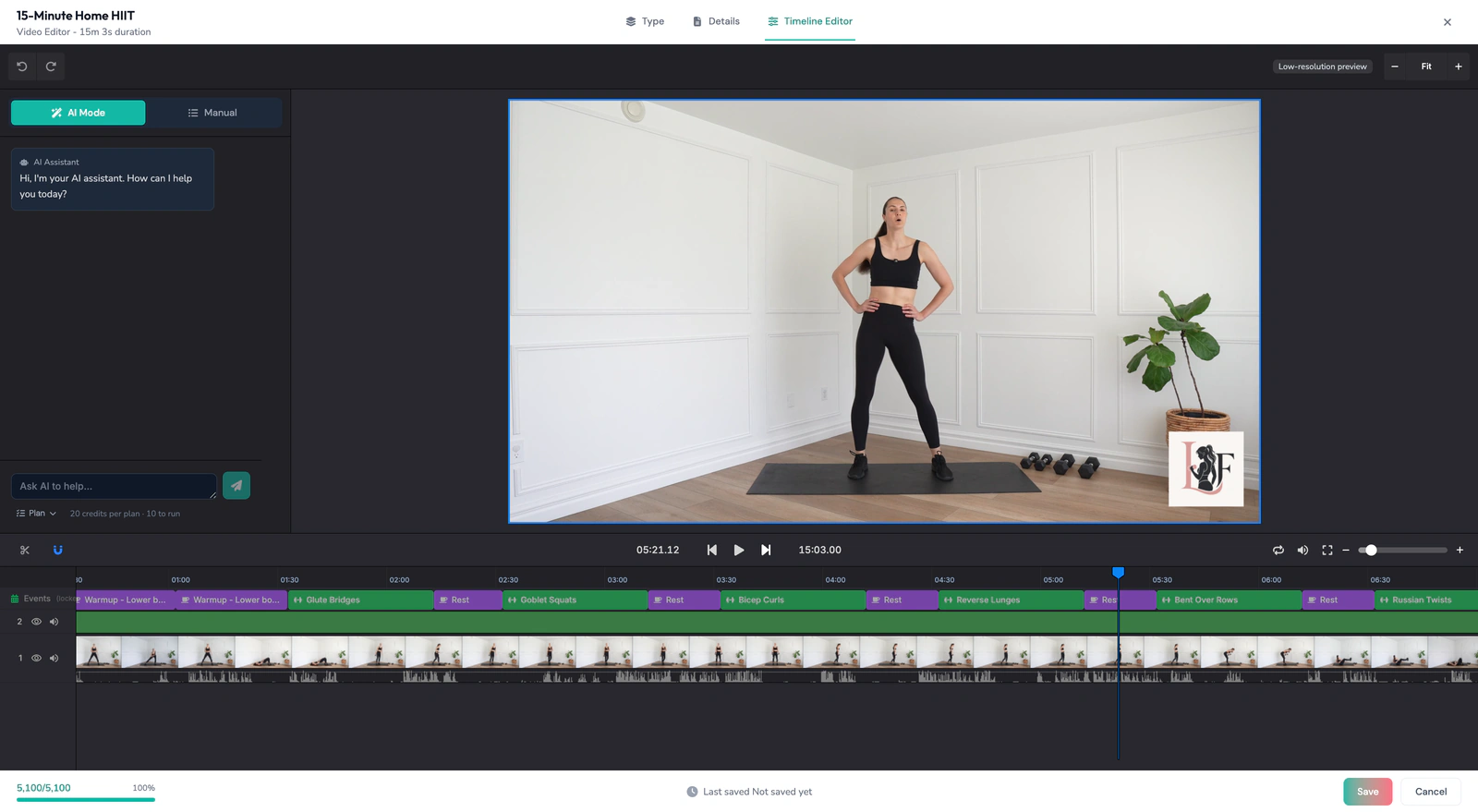
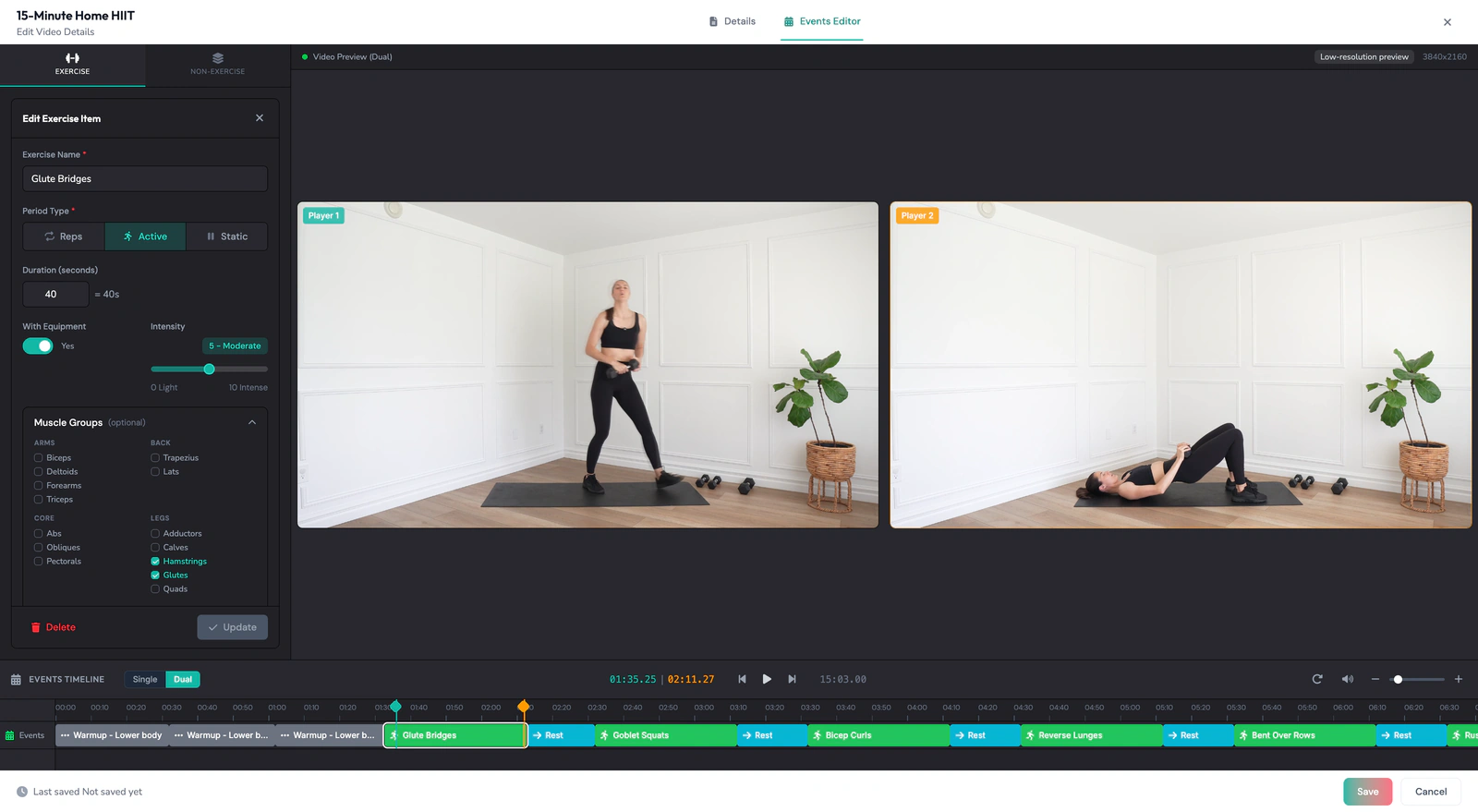
Raw session in the timeline editor, straight off the camera, no overlays applied yet

The clip, as it was filmed

PRO plan $69/mo. Custom packages available for franchises and multi-location chains.

Curious what it costs? See ActiveSnap pricing.

Start with what you need this week

Pick a goal. ActiveSnap works back from it to what's worth filming, and forward to what comes out.

Promote a class

Run this when a class needs bodies in the room. Film the movement people signed up for, and film the room working — a promo that shows an empty floor argues against itself.

What to film

  • One full set of the signature movement
  • The room at capacity
  • The instructor cueing, ten seconds

What comes out
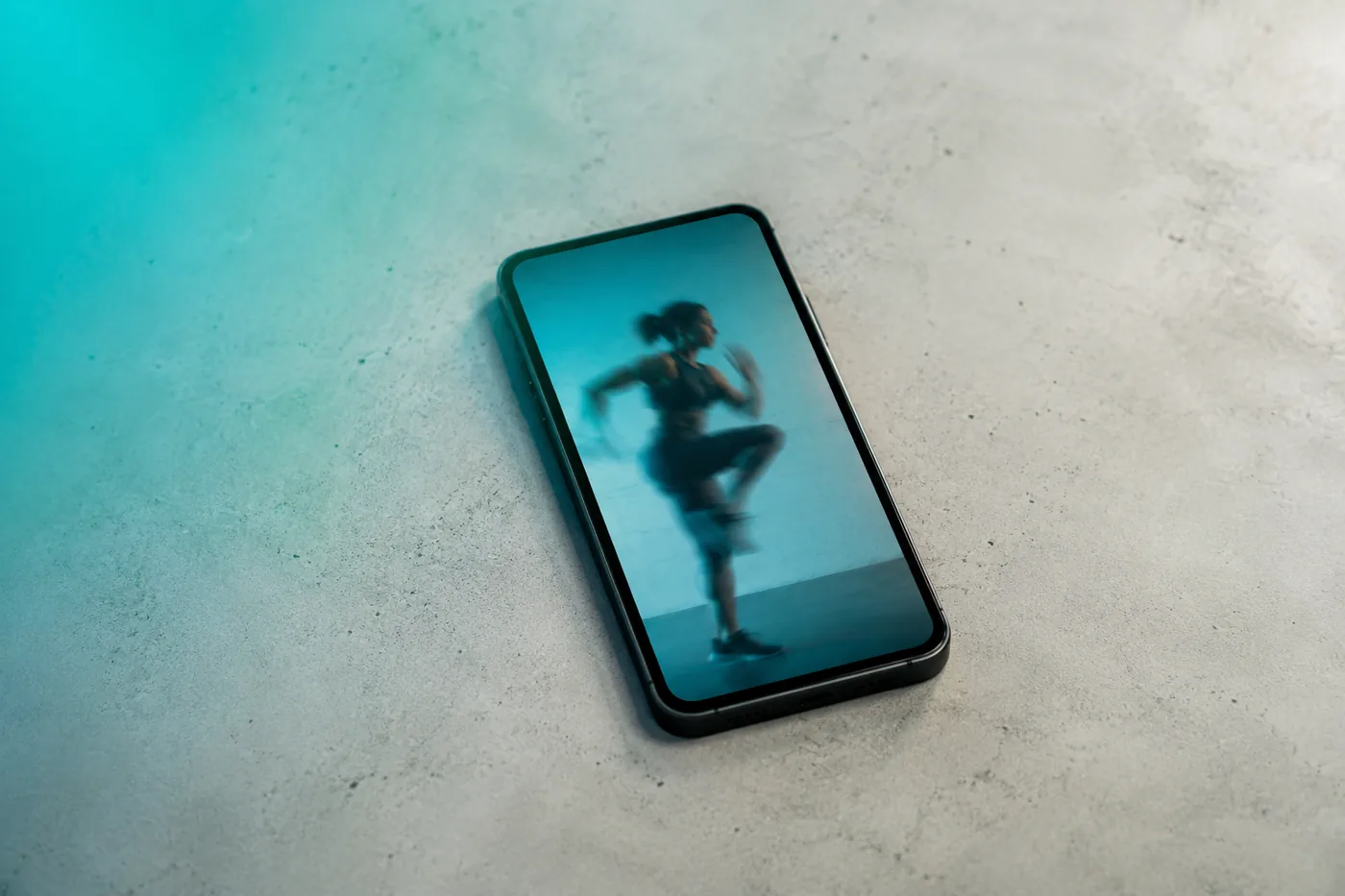
A phone lying on a studio floor, playing a clip of a member training

9:16

A phone lying on a studio floor, playing a clip of a member training

1:1

A phone lying on a studio floor, playing a clip of a member training

16:9

STUDIOSignature movement

Promote an instructor

Run this when an instructor is new, or when the hiring page needs a face. Film them teaching rather than posing: the correction they give mid-set says more than a piece to camera.

What to film

  • The instructor demonstrating one exercise, front on
  • A correction given mid-set
  • Ten seconds of them talking to the room

What comes out

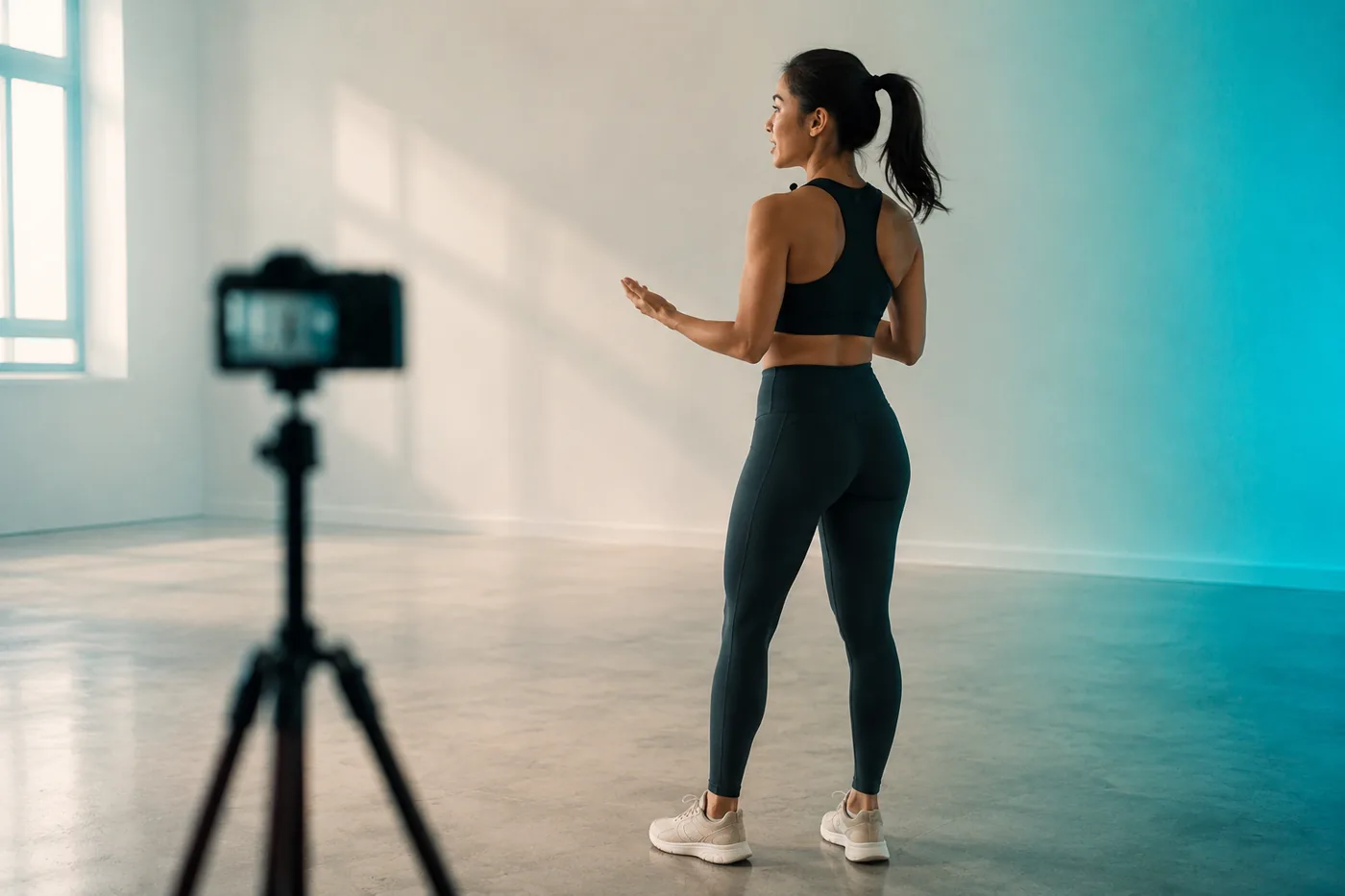
An instructor talking to the room in an empty studio, filmed on a tripod-mounted camera

9:16

An instructor talking to the room in an empty studio, filmed on a tripod-mounted camera

1:1

An instructor talking to the room in an empty studio, filmed on a tripod-mounted camera

16:9

STUDIOInstructor spotlight

Exercise tutorial

Run this when members keep asking how a movement is meant to feel. Two angles of one clean rep is the whole shoot, and the exercise label comes off the footage rather than out of a caption.

What to film

  • One clean rep from the side
  • The same rep from the front
  • The setup and the finish position, held

What comes out

A teal kettlebell resting on the studio floor under a single light

9:16

A teal kettlebell resting on the studio floor under a single light

1:1

A teal kettlebell resting on the studio floor under a single light

16:9

STUDIOGoblet squat

New program teaser

Run this in the weeks before a new block opens. Film the hardest part of the session rather than the warm-up — a teaser has to look like the work it is selling.

What to film

  • The hardest thirty seconds of the session
  • Two people working at once
  • The program name written up, in frame

What comes out

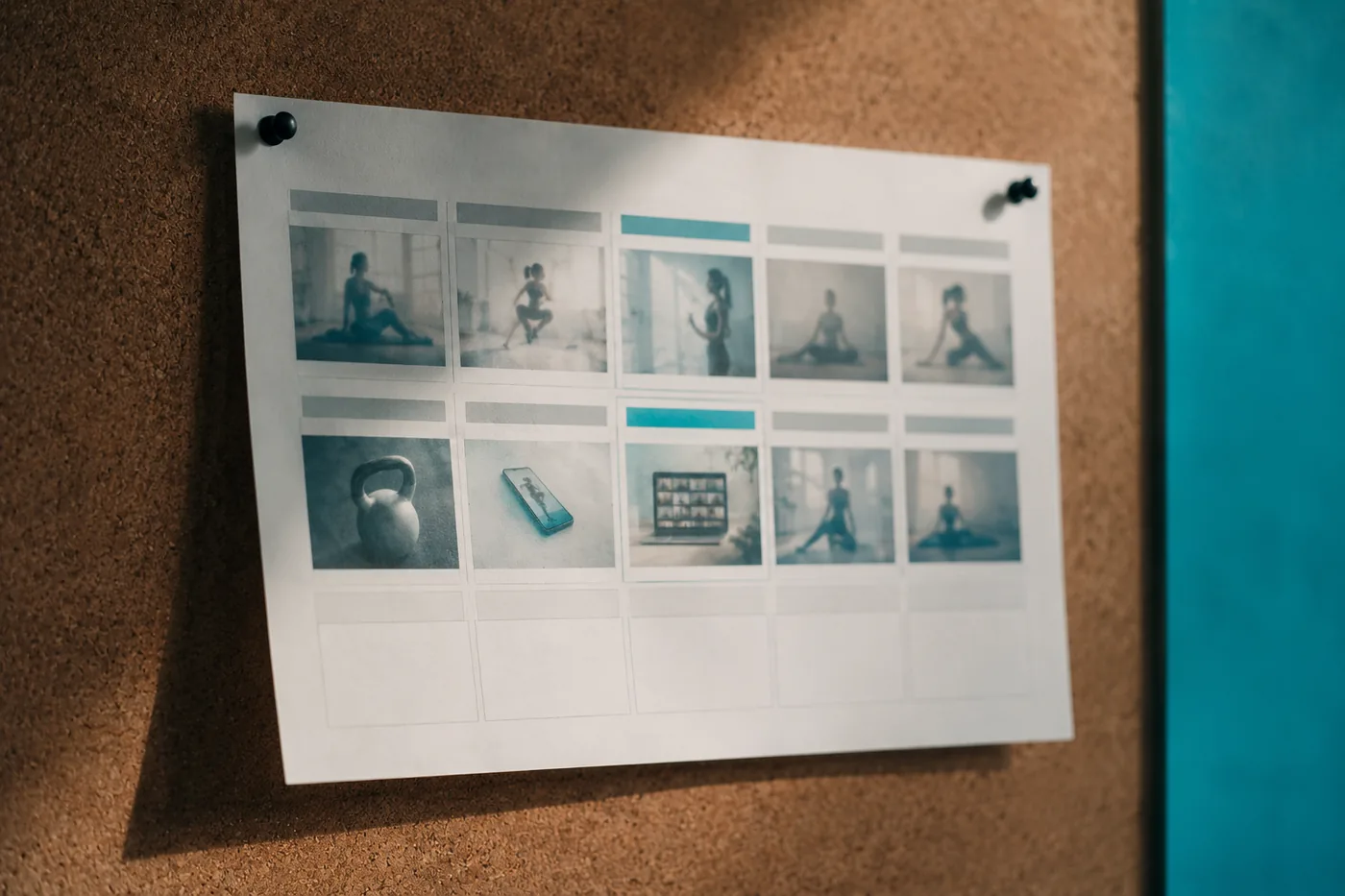
A printed programme sheet pinned to a studio noticeboard

9:16

A printed programme sheet pinned to a studio noticeboard

1:1

A printed programme sheet pinned to a studio noticeboard

16:9

STUDIOWeek 1 · Strength

Studio & community

Run this when the feed needs something that is not a workout. The floor filling up and two members talking afterwards is closer to what a prospective member is actually looking for.

What to film

  • The floor filling up before class starts
  • Two members talking afterwards
  • One slow pan of the room

What comes out

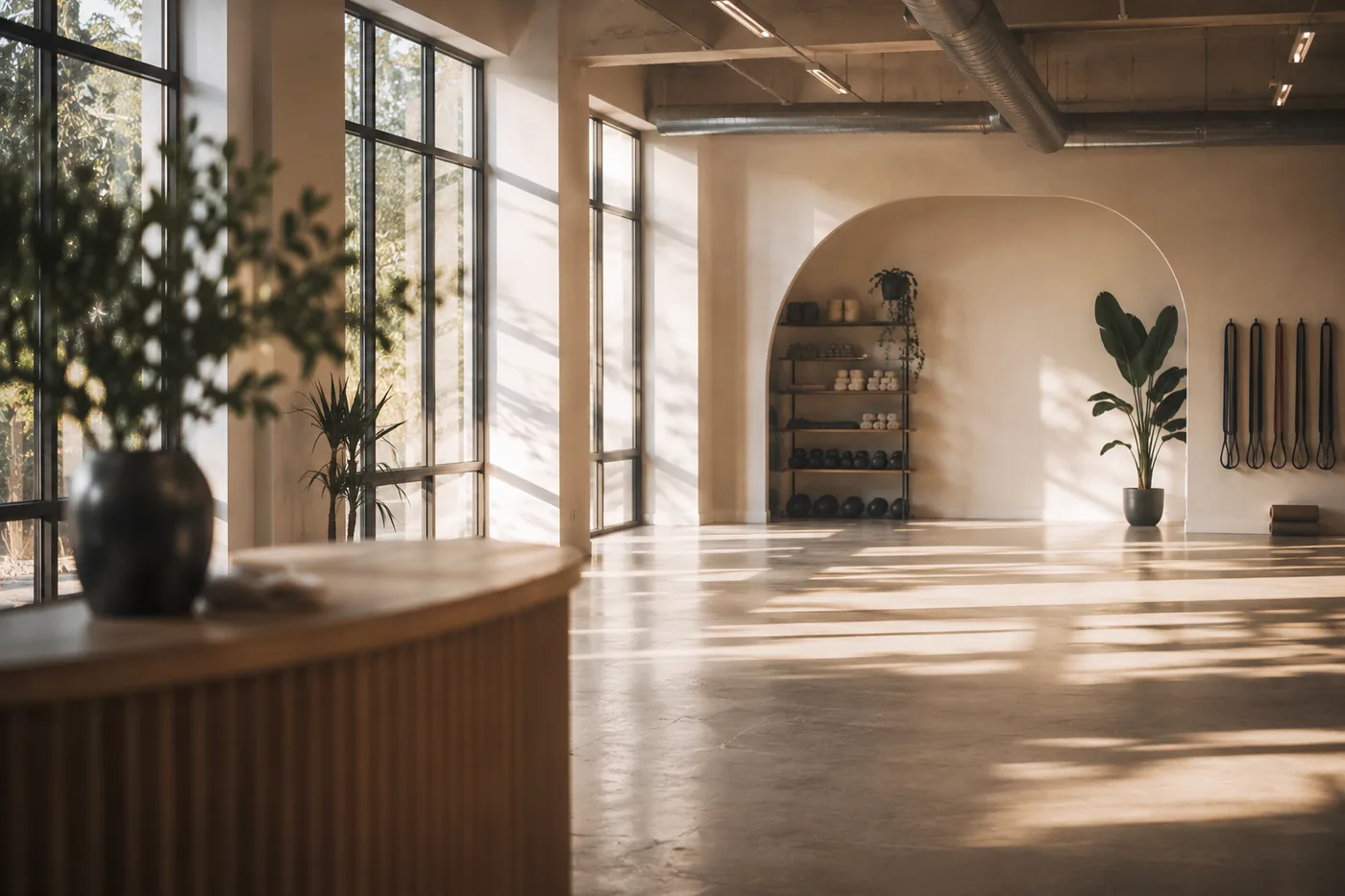
The studio floor in morning light, looking past the front desk to the equipment wall

9:16

The studio floor in morning light, looking past the front desk to the equipment wall

1:1

The studio floor in morning light, looking past the front desk to the equipment wall

16:9

STUDIOSaturday, 9am

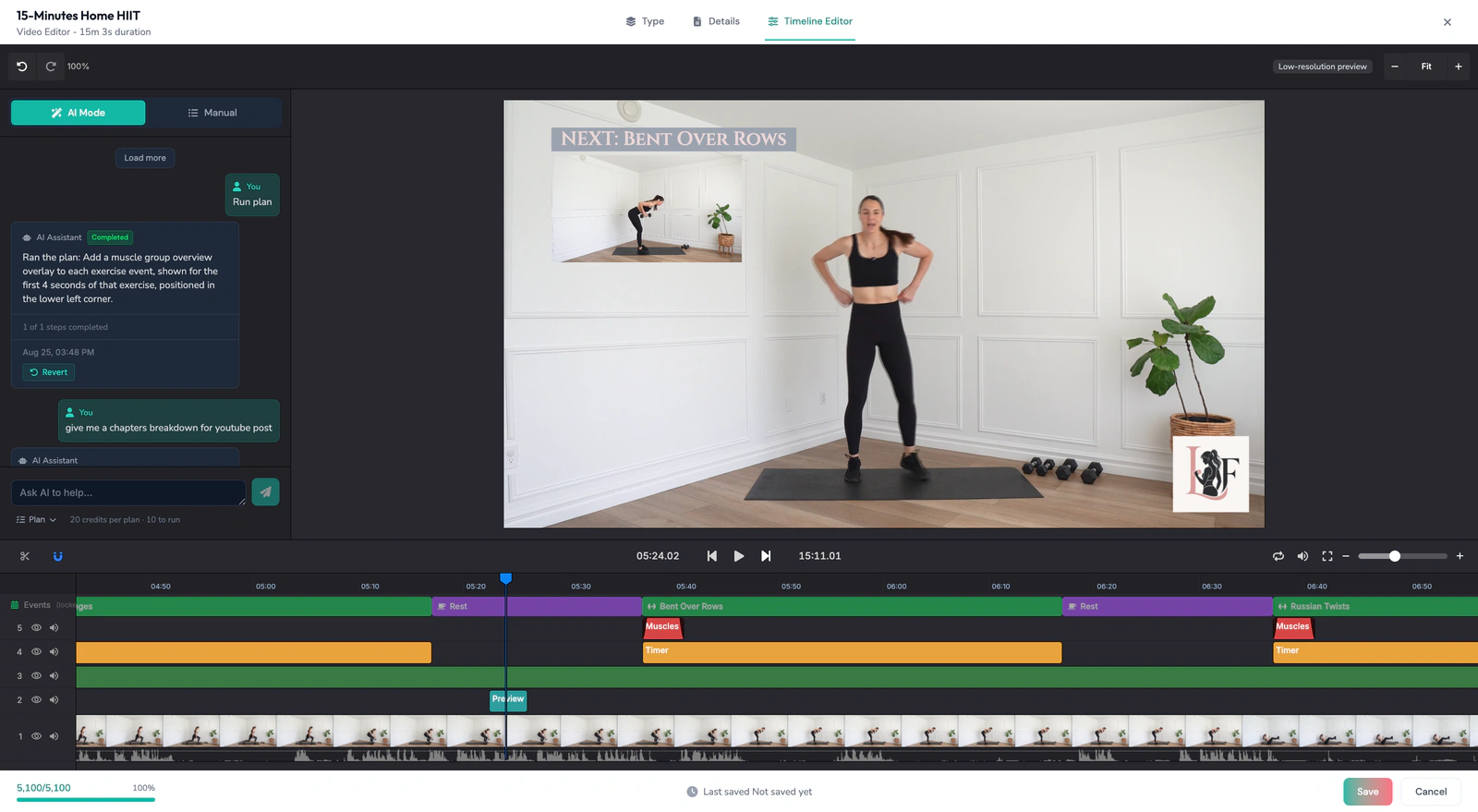
Film it on a phone, in the room, between classes. Every cut carries the studio's brand profile and the exercise label read from the footage.

Editing tools don't know what to shoot

  • Decide which of this week's classes is worth filming
  • Know which exercise is on screen
  • Turn one capture into the class promo, the tutorial and the instructor cut
  • ActiveSnap reads the workout and builds the content from the goal you picked.

Ready to put this week's classes to work?

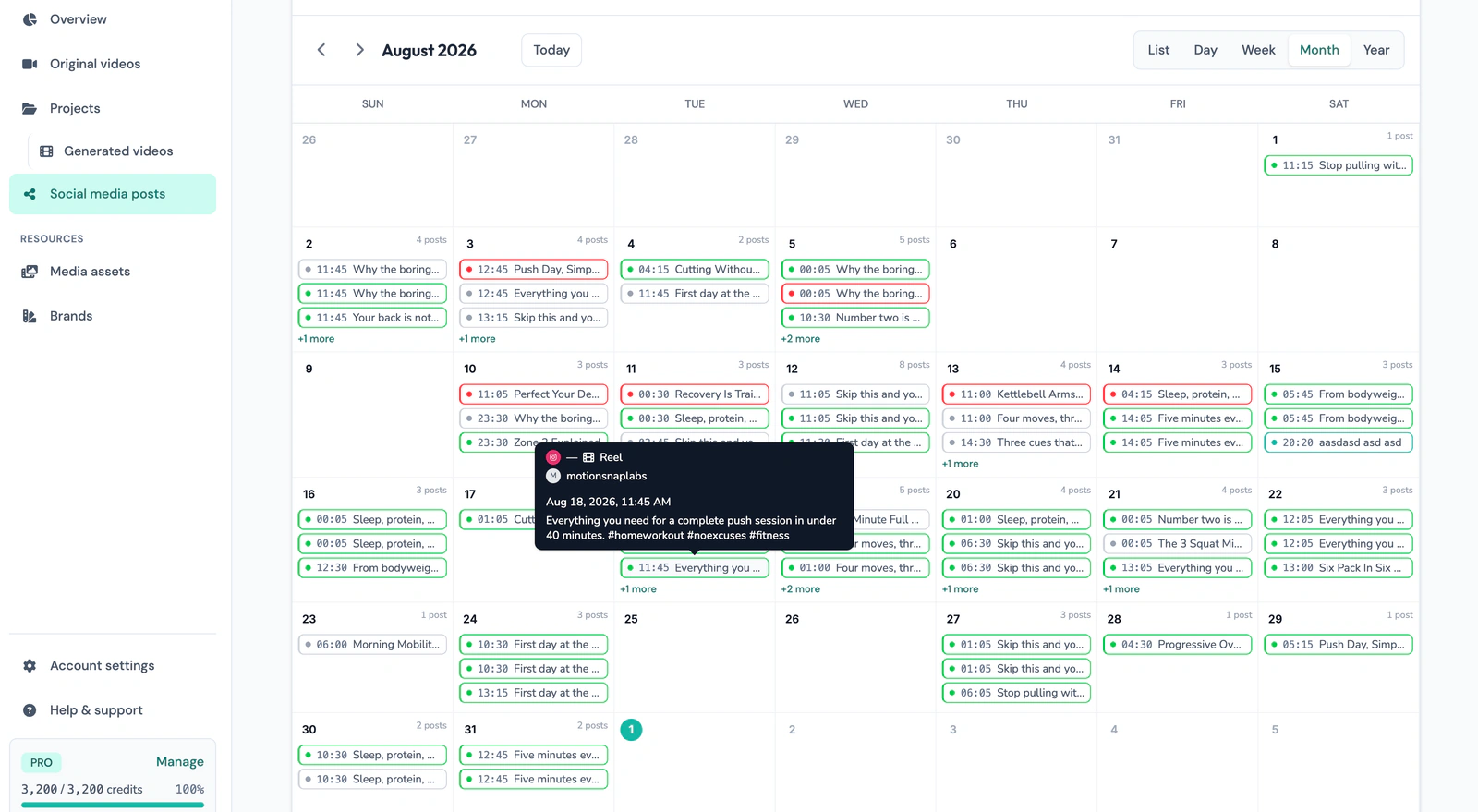
Fill the content calendar from the classes you're already teaching.

Start free
  • No credit card required
  • Cancel anytime

Last reviewed: 2026-09-10